

Time Slot Booking System: How to Set Up, Manage, and Optimize Your Available Time
A time slot booking system lets people book a specific window of your availability — a 15-minute call, a 30-minute consultation, an hour-long demo — directly from your calendar, without back-and-forth emails. You define the available slots; your guests pick the one that works and the booking is confirmed instantly.
Note: “time slot management” is also used as a term in logistics and warehouse dock scheduling, for coordinating truck arrivals and delivery windows — that's a different category of software entirely. This guide is about time slot booking for meetings, consultations, and appointments.
What Is a Time Slot Booking System?
A time slot booking system is software that divides your availability into bookable windows — time slots — and lets people reserve one directly, based on your real, live calendar. Instead of proposing times over email and waiting for a reply, the other person sees your actual open slots and picks one themselves. The booking is confirmed the moment they select it, and your calendar updates automatically to prevent anyone else from double-booking that same window.
How Does a Time Slot Booking System Work?
The mechanics are straightforward, even though a lot happens behind the scenes:
- You define your available slots — the duration of each meeting type, your working hours, and any buffer time you want between bookings.
- Your calendar syncs in real time — so if a slot gets booked elsewhere or you block off time, it's immediately removed from what guests can see.
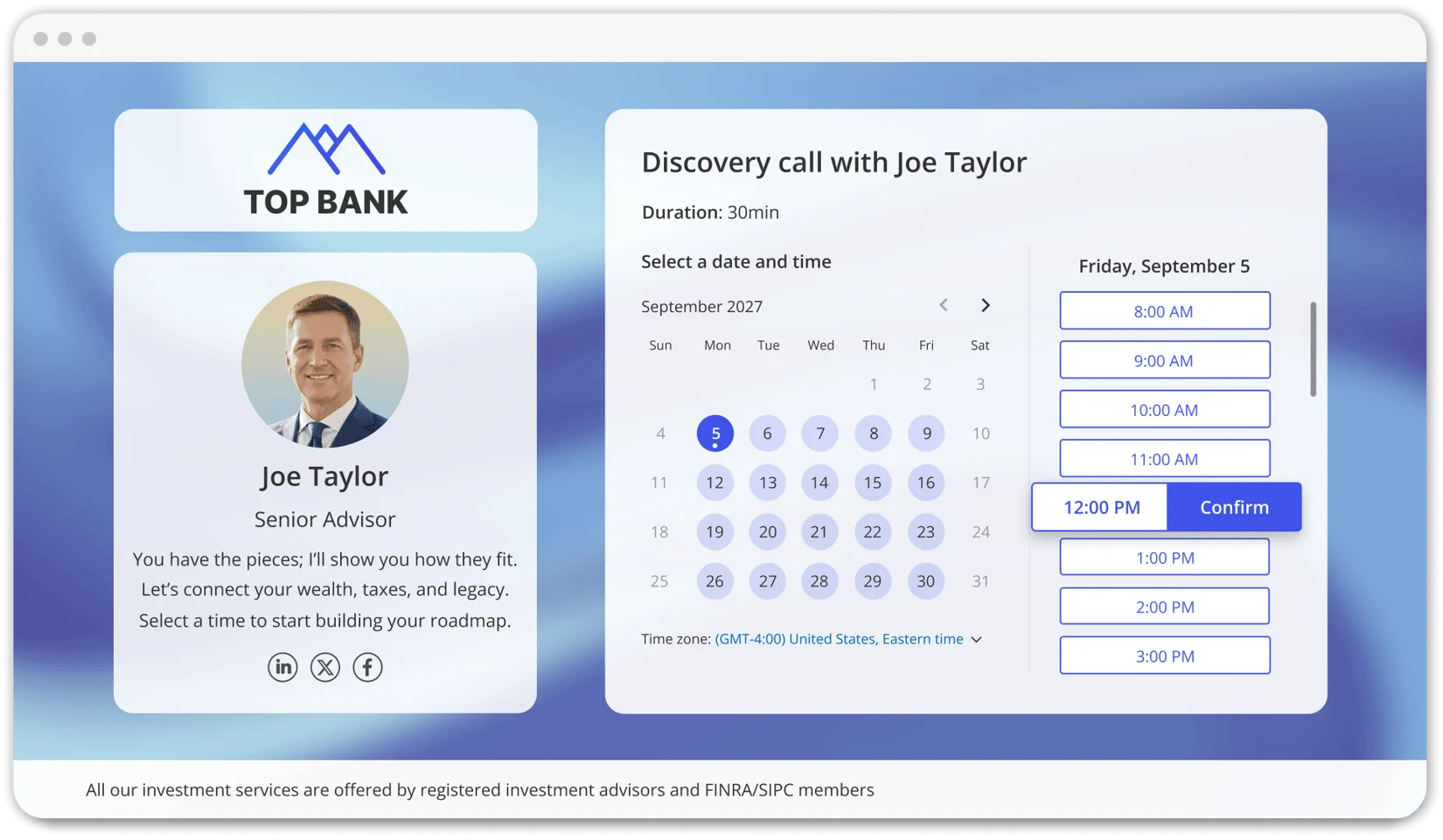
- The guest picks a slot — from the live options shown to them, in their own time zone.
- The booking is confirmed instantly — both sides get a calendar invite and confirmation, with reminders sent automatically as the appointment approaches.
How to Set Up Your Time Slot Booking System
Getting a time slot booking system running well comes down to a handful of concrete decisions:
1. Define Your Slot Duration
Set the length of each meeting type realistically — a quick intro call and a full consultation shouldn't share the same default duration. Most booking systems let you create multiple event types, each with its own length.
2. Set Buffer Time Between Slots
Buffer time — even just 5–10 minutes — prevents back-to-back bookings from running into each other and gives you a moment to prepare or wrap up notes before the next one starts.
3. Set Booking Rules
Decide how much advance notice you need before a slot can be booked, how far out your calendar should be bookable, and whether any slots need a capacity limit (for group sessions, for example).
4. Choose Your Event Types
Most booking systems support several formats: one-on-one appointments, group sessions where multiple people book the same slot, round-robin distribution across a team, and resource-based bookings (a specific room, equipment, or resource tied to the slot). Pick the type that matches how the meeting actually needs to run.
5. Sync Your Calendar
Connect your booking system to your actual calendar (Google, Outlook, or Apple Calendar) so availability reflects reality — this is what prevents double-bookings when you have commitments outside the booking tool itself.
6. Publish Your Booking Link or Page
Once your slots, rules, and event types are configured, share your booking link directly, embed it on your website, or add it to your email signature so people can book without asking you for availability first.
Time Slot Booking System Best Practices
- Keep slot durations realistic. Padding every meeting to the same default length either wastes time or leaves too little of it, depending on the meeting.
- Build in buffer time. A fully back-to-back calendar looks efficient but leaves no room to actually prepare or recover between calls.
- Cap capacity where it matters. For group sessions or classes, set a maximum number of bookings per slot so you're not overcommitted.
- Enable waitlists for popular slots. When a preferred time is full, a waitlist captures that demand instead of losing it, and automatically offers the slot if someone cancels.
- Send automated reminders. Reminders sent 24 hours and again 1 hour before a booking meaningfully cut down on no-shows.
- Allow self-service rescheduling. Letting people adjust their own booking removes an email exchange every time plans change.
OnceHub's Time Slot Booking System
OnceHub's booking pages handle time slot booking natively — availability, buffers, and booking rules all live in the same system your calendar syncs to, so every slot shown reflects your real, current schedule.
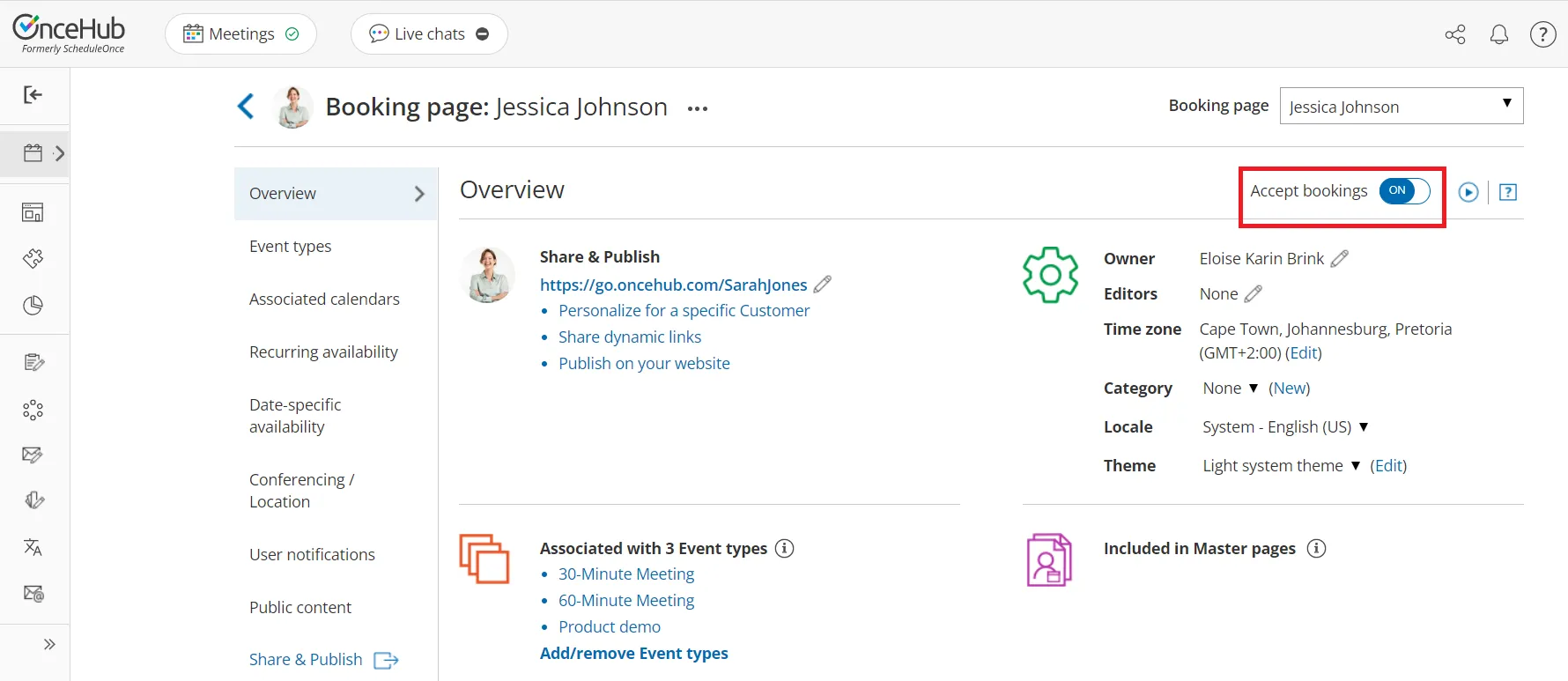
- Configurable slot duration and buffers — set different lengths and gaps for each meeting type you offer.
- Multiple event types — one-on-one, group, round-robin distribution across a team, and resource-based bookings, all supported natively.
- Real-time calendar sync — with Google Calendar, Outlook, and Apple Calendar, so availability is always accurate.
- Automated reminders — sent by email or SMS to reduce no-shows without any manual follow-up.
- Self-service rescheduling — guests can adjust their own bookings, and you're notified automatically.
- Time zone handling — every slot is shown in the guest's local time, automatically.
- Analytics — track booking volume, peak times, and no-show rates to refine your setup over time.
To get started on taking control of your booking calendar and making the most of your time slots, sign up for free and experience a smarter approach to scheduling.
Frequently Asked Questions
What is a time slot booking system?
A time slot booking system is software that divides your availability into bookable windows and lets people reserve one directly from your live calendar, with the booking confirmed instantly and your availability updated automatically to prevent double-booking.
What's the difference between time slot booking and time slot management?
“Time slot booking” typically refers to appointment and meeting scheduling — the kind of system covered in this guide. “Time slot management” is also used in logistics and warehouse operations, for coordinating truck arrivals and loading dock windows — a distinct category of software built for a completely different use case.
How do I book a time slot online?
Open the booking link or page shared by the person or business you're scheduling with, select the meeting type if there's more than one option, choose an available time slot shown in your local time zone, and confirm. You'll typically receive a calendar invite and confirmation immediately.
Is there a dynamic time slot booking system that adjusts automatically?
Yes — most modern booking systems, including OnceHub, adjust available slots dynamically based on your real-time calendar. If a slot gets booked, blocked, or freed up elsewhere, the options shown to guests update automatically without any manual adjustment.
Is there an app to reserve time slots?
Yes. Booking platforms like OnceHub let you reserve time slots directly from a web browser or mobile device — no separate app installation required for guests booking a slot, since the booking page works directly in the browser.
What does “slot booking” mean?
Slot booking means reserving one specific, predefined window of time — a “slot” — from a set of available options, rather than proposing an open-ended time and negotiating it. It's the core mechanism behind most modern appointment scheduling tools.
How many people can book the same time slot?
It depends on how the slot is configured. One-on-one slots allow a single booking; group event types can be configured with a capacity limit so multiple people can book the same slot, up to whatever maximum you set.